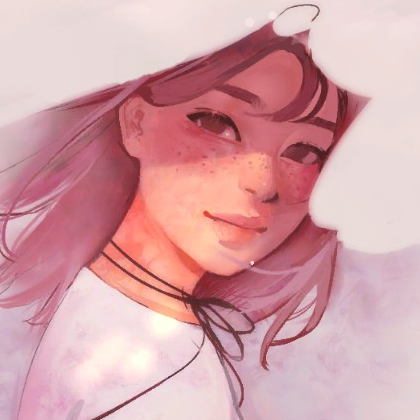
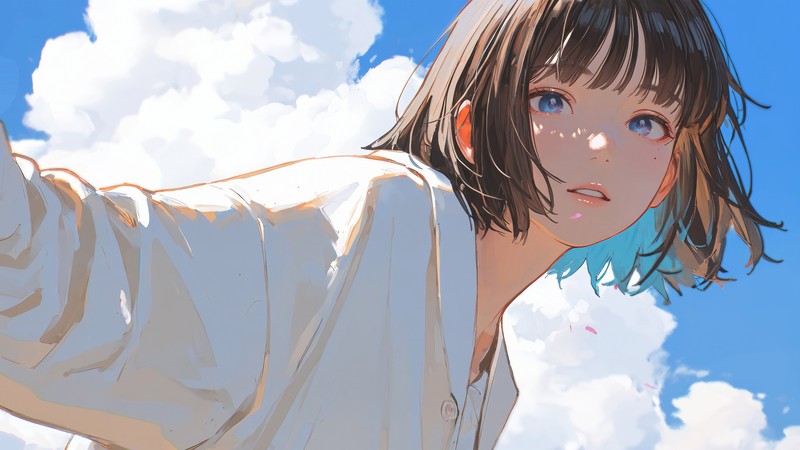
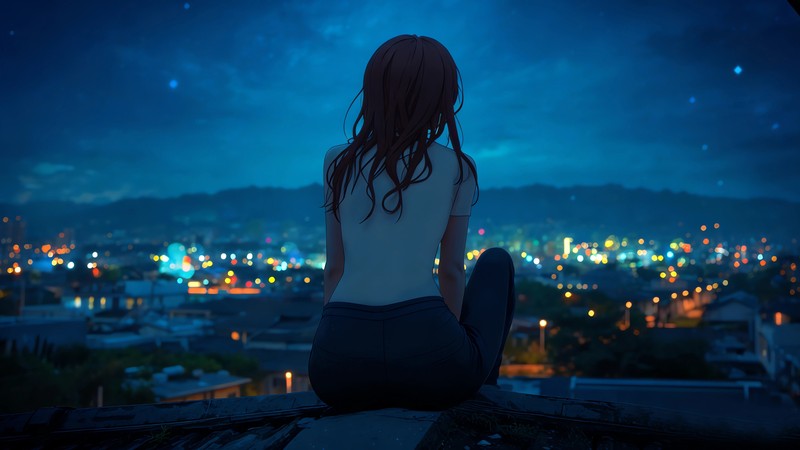
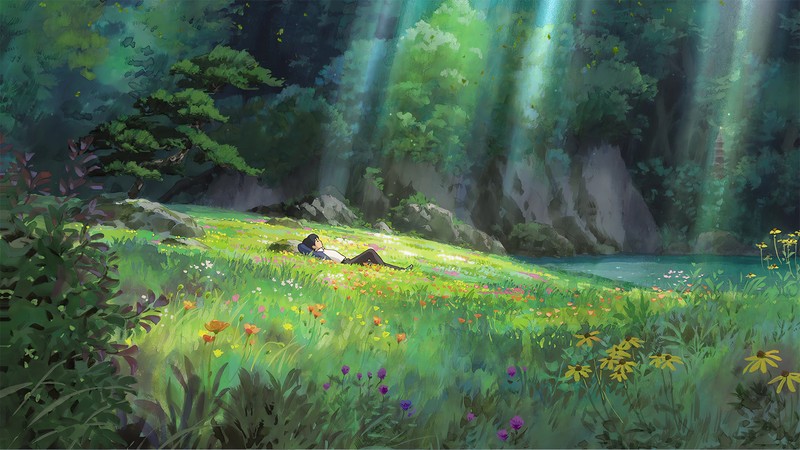
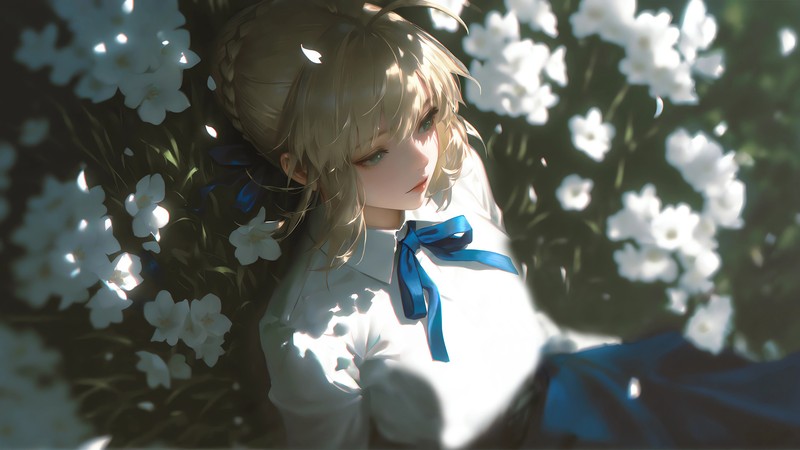
为了给博客网站的文章找些封面
图片这里找的:https://www.baozangtuku.com/dongman/index_11.html
搞了个python脚本
1
2
3
4
5
6
7
8
9
10
11
12
13
14
15
16
17
18
19
20
21
22
23
24
25
26
27
28
29
30
31
32
33
34
35
36
37
38
39
40
41
42
43
44
45
46
47
48
49
50
51
52
53
54
55
56
57
58
59
60
61
62
63
64
65
66
67
68
69
70
71
72
73
74
75
76
77
78
79
| import os
from PIL import Image
input_folder = r"C:\Users\Admin\Desktop\background-img"
output_folder = r"C:\Users\Admin\Desktop\background-img-output"
target_size = (800, 450)
os.makedirs(output_folder, exist_ok=True)
def resize_image_cover(img, target_size):
"""
将图片等比例缩放,使其完全覆盖目标尺寸(无留白),
然后从正中间裁剪出目标尺寸(可能裁剪掉边缘部分)。
"""
target_w, target_h = target_size
target_ratio = target_w / target_h
w, h = img.size
img_ratio = w / h
if img_ratio > target_ratio:
new_h = target_h
new_w = int(new_h * img_ratio)
else:
new_w = target_w
new_h = int(new_w / img_ratio)
img_resized = img.resize((new_w, new_h), Image.Resampling.LANCZOS)
left = (new_w - target_w) // 2
top = (new_h - target_h) // 2
right = left + target_w
bottom = top + target_h
img_cropped = img_resized.crop((left, top, right, bottom))
return img_cropped
count = 1
for filename in os.listdir(input_folder):
if filename.lower().endswith(('.jpg', '.jpeg')):
img_path = os.path.join(input_folder, filename)
try:
img = Image.open(img_path)
if img.mode in ('RGBA', 'LA', 'P'):
img = img.convert('RGB')
img_result = resize_image_cover(img, target_size)
new_filename = f"background{count}.jpg"
output_path = os.path.join(output_folder, new_filename)
img_result.save(output_path, 'JPEG', quality=90)
print(f"✅ 已处理: {filename}")
count += 1
except Exception as e:
print(f"❌ 处理 {filename} 时出错: {e}")
print("🎉 全部处理完成!")
|